Cars have computers too
Nearly every car built since 2000 has a computer called the ECU (Engine Control Unit). Newer cars add modules for the transmission, ABS, airbags, and body.
Nearly every car built since 2000 has a computer called the ECU (Engine Control Unit). Newer cars add modules for the transmission, ABS, airbags, and body.
The ECU stores fault codes, the status of its self-tests, and a snapshot of engine conditions when each fault happened. Even if someone clears the dashboard warning, traces of the reset remain.
We plug a Bluetooth adapter into the OBD2 port and the Rodar app reads that information without taking anything apart.
A fault code on its own says little. So we read it with its status (confirmed, pending, or stored) and how many times it occurred.
We add the freeze frame, which records speed, RPM, load, and temperature at the moment of the fault, and the readiness monitors: if they’re incomplete, the codes were probably cleared recently.
From there we suggest the most likely causes, so your team knows what to inspect first.
An electronic reading that guides the mechanical inspection. It doesn’t replace it.
We compare the VIN reported by the ECU with the registered one, and the dashboard mileage with the modules. Then we check the records: liens, seizures, transfer bans, theft reports, mandatory insurance, circulation permit, technical inspection, and fines.
The dashboard isn’t the only place that stores mileage. Modules like the ABS or the transmission keep their own count, and if they don’t match the dashboard, something changed.
We’re also researching deeper reads of the vehicle network, depending on make and model:
After the scan
With “Add to fleet”, the report moves to your dealership’s web app. There we check each model against prices we collect every day from sale portals.
01
The car lands in your branch’s inventory with its report, marked Evaluating. Your team sees it on the web, with roles and permissions per branch.
02
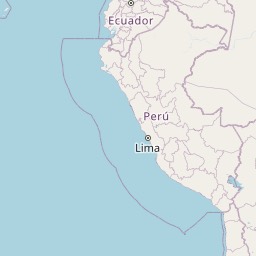
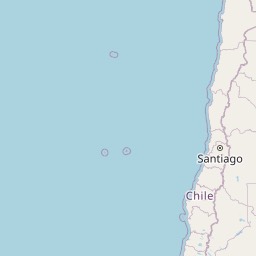
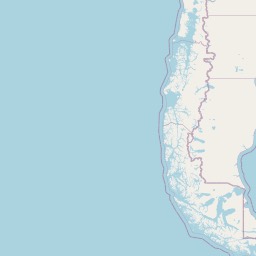
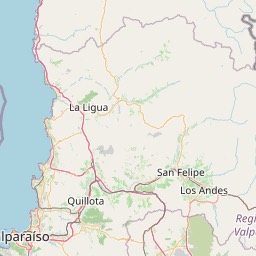
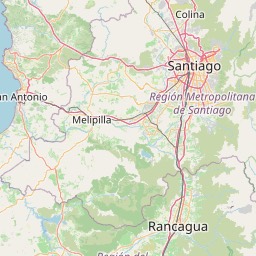
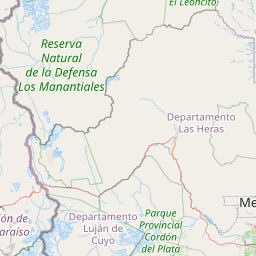
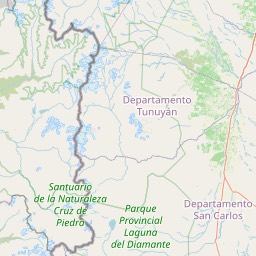
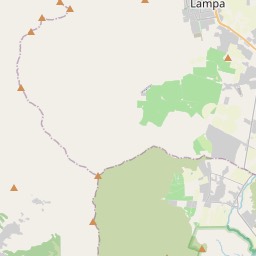
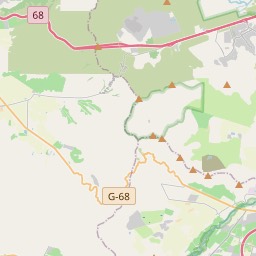
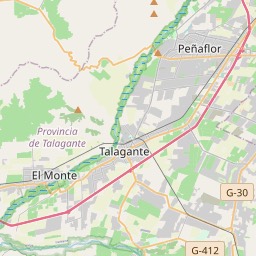
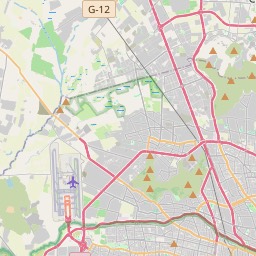
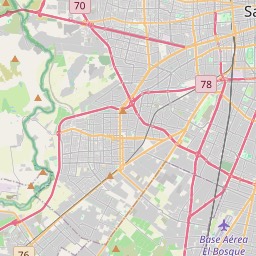
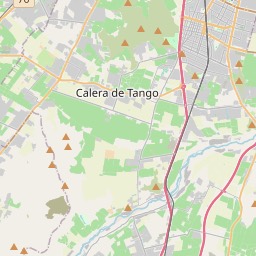
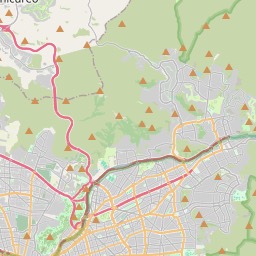
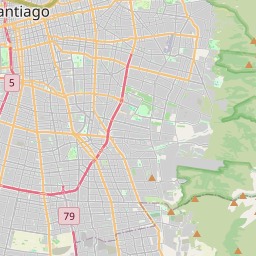
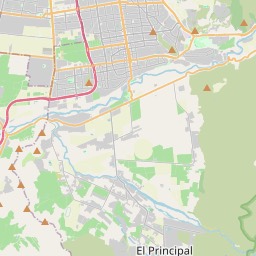
See what the same model is worth in every region of Chile and zoom in down to the comuna. Know where it sells for more and how your price compares locally.
03
Follow the model’s value month by month, with the laws and news that moved it, plus a six-month estimate with its likely range.
Illustrative views. Price coverage varies by zone and month. Estimates are for reference only: they are not financial advice and do not guarantee a sale price.
Every report ends with a recommendation your team can discuss before making an offer.
There’s a legal block, such as a theft report or a transfer ban, or the ECU’s VIN doesn’t match the registry.
No blocks, but there’s a confirmed high-severity fault. Check it before negotiating.
No relevant blocks found. Still review the details and fines before closing.
OBD2 adapter
Plugs into the port under the steering wheel and talks over Bluetooth.
Rodar app
Verifies the adapter, reads the vehicle, and builds the report.
Recommends a decisionBuy, review, or don’t buy
Rodar platform
Stores each branch’s inventory and checks it against prices we continuously collect from sale portals.
Recommends a decisionMaximum purchase price and estimated margin
Your team
Reviews vehicle files, prices by zone, and history on the web, with roles and permissions per branch.
Coverage depends on make, model, year, and accessible modules. Market prices are for reference only and are not financial advice.
Where others see an error code, we look for the history the car still keeps.
Request a demo